Forgetting your password is frustrating—especially when it locks you out of your Ultrawin account, where live matches, real-time bets, and exciting casino games are just a click away. Whether you’re a casual player or a regular bettor on Ultrawin, losing access to your account doesn’t have to mean losing your winnings or progress.
This guide will walk you through step-by-step instructions to recover your Ultrawin account password, secure your login, and avoid future issues. Let’s get you back to betting in no time.
Why Account Access Matters in Online Betting
When it comes to online betting and casino platforms like Ultrawin, uninterrupted access to your account is crucial. Whether you’re placing time-sensitive bets during a live cricket match or spinning the reels in a progressive jackpot slot, every second counts. Losing access due to a forgotten password can cause missed betting opportunities and financial setbacks.
That’s why knowing how to quickly recover your Ultrawin account—and prevent future lockouts—is essential for every user. Your betting account holds more than just your balance; it’s tied to your gameplay history, preferences, bonuses, and settings. Securing and recovering it should be a top priority.
Common Reasons for Password Issues on Ultrawin
If you’re unable to access your Ultrawin account, it’s likely due to one of the following reasons:
- You entered the wrong password multiple times.
- You forgot the correct password altogether.
- Your account was accessed from another device or location.
- You reset your phone/browser and lost saved login info.
- There was a technical issue on the platform.
Regardless of the reason, Ultrawin makes it fairly simple to retrieve your password and get back in.
Step-by-Step Guide to Recover Your Ultrawin Password
Here’s how to recover your Ultrawin password in a few easy steps:
Step 1: Visit the Ultrawin Login Page
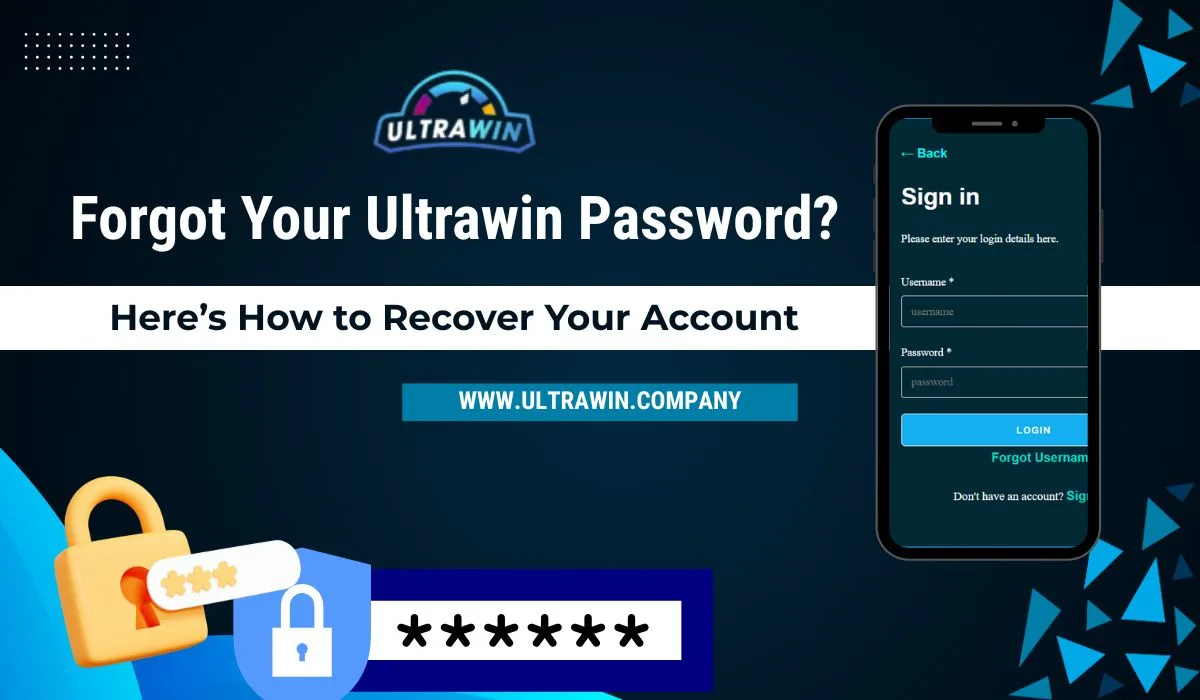
Go to the official Ultrawin website or mobile app. On the Ultrawin Login page login screen, you’ll see a “Forgot Password?” or “Reset Password” option just below the input fields.
Step 2: Click ‘Forgot Password’
Click the link and you’ll be redirected to a password recovery form.
Step 3: Enter Your Registered ID or Mobile Number
You’ll be asked to enter your Ultrawin ID or the mobile number linked to your account. Make sure to input the correct credentials that were used during registration.
Step 4: Verify Your Identity
Ultrawin will send you a verification code (OTP) on your registered mobile number or email. This is to ensure your account security.
Step 5: Enter the OTP
Input the OTP you received in the required field. This is a crucial security step to confirm you’re the real owner of the account.
Step 6: Set a New Password
Once verified, you’ll be prompted to enter a new password. Choose a secure combination that’s easy for you to remember but hard for others to guess.
Password tips:
- Use at least 8 characters.
- Combine upper and lowercase letters.
- Add numbers or symbols for strength.
Step 7: Confirm and Log In
After setting your new password, return to the login screen and use your updated credentials to access your account.
That’s it—you’re back in!
What If You Don’t Receive an OTP?
Sometimes users face delays in receiving the OTP. Here’s what you can do:
- Wait a few minutes. OTPs may be delayed depending on network traffic.
- Resend the OTP. Most platforms provide a “Resend OTP” option after a short wait.
- Check for typos. Ensure you entered the correct phone number or ID.
- Contact support. If the issue persists, reach out to Ultrawin’s customer support via WhatsApp, Telegram, or live chat.
Recovering Password via Ultrawin Agent
If you registered your Ultrawin account through an agent (which is common for many users in India), you can also:
- Contact the agent directly and request a password reset.
- The agent may ask for verification (ID, phone number).
- Once confirmed, they can generate a new password or help reset your credentials.
Always deal with official or trusted agents only to ensure your account remains safe.
How to Secure Your Ultrawin Account Post-Recovery
Once you regain access to your Ultrawin account, it’s important to secure it to prevent future issues:
✅ Change Your Password Regularly
Set a reminder to change your password once every 2–3 months.
✅ Enable 2-Factor Authentication (If Available)
Ultrawin may offer two-factor login security via OTP or device verification.
✅ Avoid Public Devices
Never log in to your betting account from a public or shared device.
✅ Don’t Share Login Details
Even with close friends—keep your ID and password private at all times.
Preventing Future Password Problems
To make sure you never have to go through password recovery again, follow these easy practices:
- Save your credentials in a secure password manager.
- Write down your Ultrawin ID and keep it somewhere safe.
- Link your mobile number and email during registration for easy recovery.
- Avoid auto-saving passwords on shared browsers or devices.
These small steps can save you time and frustration in the future.
What to Do If Your Account Was Compromised
If you suspect that someone else has accessed your Ultrawin account, act quickly:
- Change your password immediately.
- Check for unusual activity – such as unfamiliar bets, transactions, or logins.
- Contact Ultrawin support and report the incident.
- Avoid clicking on suspicious links or fake “Ultrawin” pages in the future.
Ultrawin has active support teams that can investigate and help recover funds if fraud is detected early.
Can You Recover a Deleted Ultrawin Account?
If you intentionally or accidentally closed or deleted your account, recovery depends on how the account was deleted:
- Temporary Deactivation – Can often be reversed by logging in again or contacting support.
- Permanent Deletion – In some cases, deleted accounts can’t be recovered. You’ll need to register for a new ID.
It’s always a good idea to confirm with customer support whether your account is eligible for recovery.
Losing access to your Ultrawin account can be stressful, but the recovery process is straightforward. By following the steps outlined above—whether through the “Forgot Password” tool or by contacting your Ultrawin agent—you can quickly reset your password and continue your gaming journey.
Remember: prevention is key. Use strong passwords, secure your login details, and stay alert for suspicious activity to keep your Ultrawin experience smooth and uninterrupted.
FAQs – Ultrawin Password Recovery
Q1. Can I reset my Ultrawin password without my mobile number?
In most cases, your registered mobile number is needed to receive the OTP. If not available, contact Ultrawin support or your registering agent for help.
Q2. What should I do if my Ultrawin account is hacked?
Change your password immediately and contact Ultrawin support to secure your account and investigate any suspicious transactions.
Q3. How long does it take to reset my Ultrawin password?
If you receive your OTP promptly, the whole process typically takes less than 5 minutes.
Q4. Can I recover my password using the Ultrawin app?
Yes, the app has the same “Forgot Password” function as the website for easy recovery.
Q5. My password reset link isn’t working. What now?
Try refreshing the page, checking your internet connection, or requesting a new OTP. If the issue persists, reach out to Ultrawin support for manual assistance.